Known from:


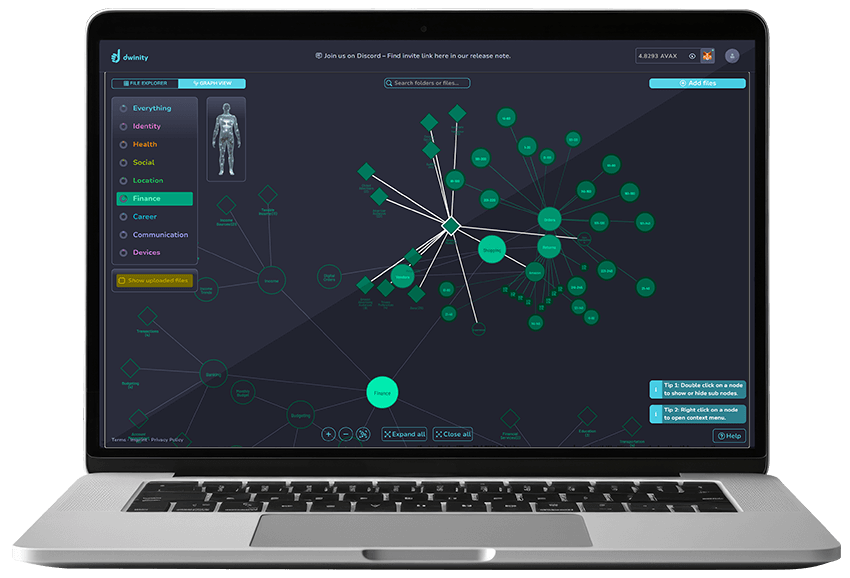
Take self-custody of your data. The Dwinity Blockchain Cloud makes it simple: connect your wallet and go.
Known from:

Use Any Blockchain Wallet
Big Tech Independent
No Unwanted Access
Known from:

The Trust of Industry Leaders




Dwinity in the Media







Server farms are constantly being hacked – and your data gets stolen !
Global government access enabled by the US CLOUD Act!
Hard drives age, break – and take your data with them!

Fully independent: Only you have access – no blocks, no surveillance.
Absolute Control: Your data, your vault, your key.
Real Protection: Your data can’t be read or misused.

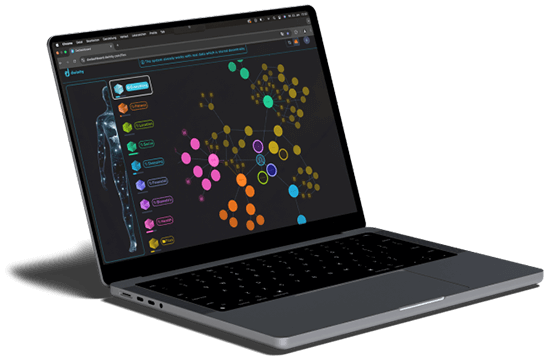







“I can finally decide where my data goes – and who gets access. With the Data Vault, I’m independent from big cloud providers and feel truly secure.”

“I work with sensitive client data and need true anonymity. Dwinity anonymizes everything at the point of upload – fully GDPR-compliant and without third-party access. It doesn’t get any better than this.”

“Blockchain login is the future. No passwords, no resets – just me and my wallet.”


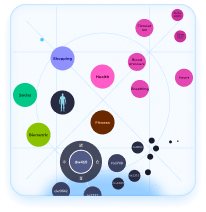




No. Dwinity has no technical access to your data. Your data is highly encrypted, fragmented, and stored across a decentralized network of independent servers – not on Dwinity’s servers. It’s distributed like a puzzle across separate nodes, and only you hold the cryptographic key (seed phrase) needed to reassemble and decrypt it.
Important: Dwinity has no access to your cryptographic key and cannot view or decrypt your data.
This also means Dwinity cannot help you recover your data if you lose your key.
Keep it safe!
Your data is always safe and accessible. Through your blockchain wallet and the associated wallet address linked to your storage, you have direct access at any time. Thanks to decentralized storage and multiple redundancy layers, there is no single point of failure.
Important: Only you hold the cryptographic key to your wallet, which is linked to your data vault – make sure to keep it safe!
You can download your data anytime – easily and securely.
1. Log in with your blockchain wallet that is linked to your storage.
2. Navigate to your stored data in the Dwinity interface.
3. Select the files you want and start the download.
Important: Only the correct wallet address and your cryptographic key give you access to your data.
Keep your key safe!
Your data remains secure – as long as you can restore your wallet.
1. New hardware? Install a compatible wallet app on your new device.
2. Restore your wallet using your seed phrase (cryptographic key).
3. Log in and access your data as usual.
Important: Without your seed phrase, recovery is not possible – Dwinity has no access to your data.
Keep your key safe!
Decentralized architectures are inherently more secure than centralized ones.
Bottom line: Without access to your private key, your data remains encrypted, fragmented, and secure.
Store your key safely. It’s the only way in.
Yes, you can edit your stored data – but only by downloading and re-uploading it.
1. Download the file you want to edit.
2. Make changes locally on your device.
3. Upload the updated file – it will overwrite the previous version.
Important: Because the system is decentralized, direct online editing is not possible. Every change requires a new upload.

You are currently viewing a placeholder content from Facebook. To access the actual content, click the button below. Please note that doing so will share data with third-party providers.
More Information